
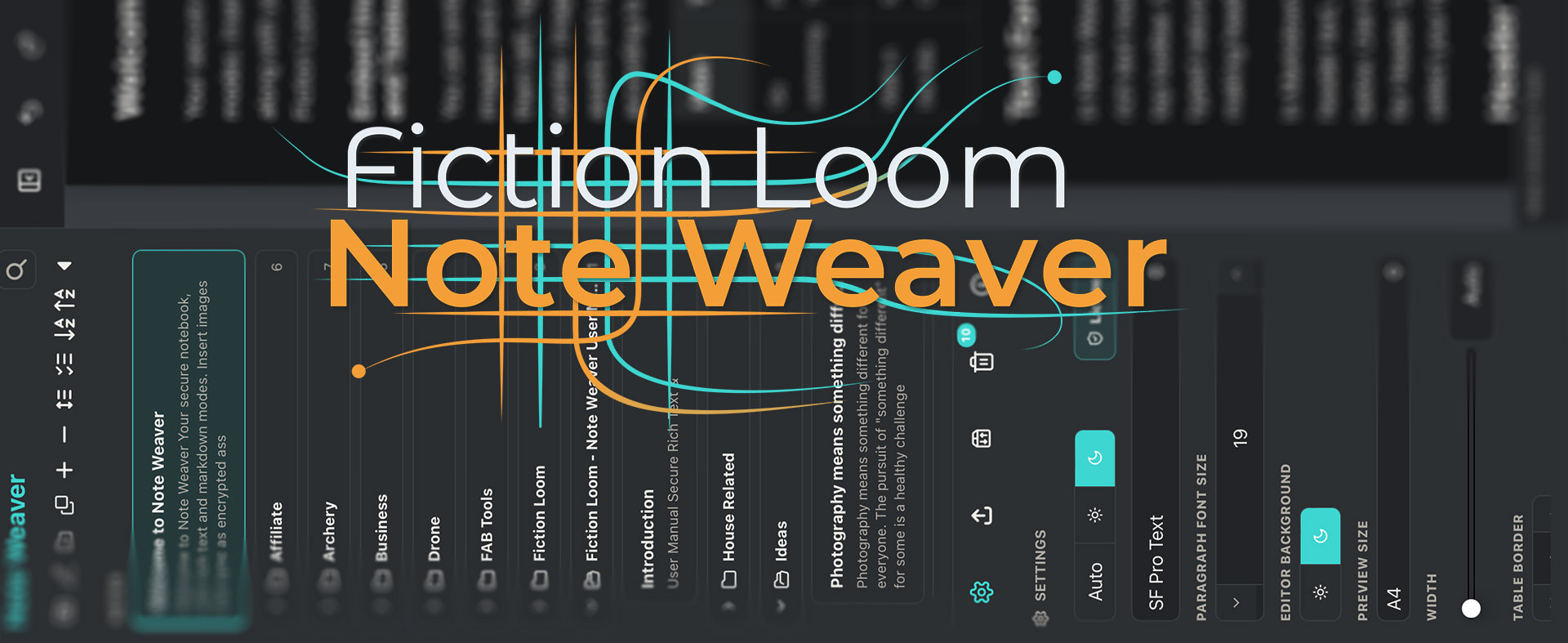
Note Weaver is here!
Note Weaver is both a Rich Text and Markdown editor with a notes library to organize your notes. Note Weaver is designed for people who want a calm, capable writing space that still respects the private nature of personal notes, journals, technical material, research, and working drafts. You can write in rich text or Markdown, organize notes into folders, embed images, preview pages, and export documents, while keeping your library local-first. Synchronization is there when you need it, but the architecture is intentionally restrained: Fiction Loom relays encrypted traffic; your devices hold the readable data.
Do you take notes?
Welcome to Note Weaver, the answer to my note-taking dreams
- Martin Bailey
CEO of Fiction Loom, a brand by Martin Bailey Photography K.K.
Loading price…
Loading price…
Your license includes iOS and Android apps
A single Note Weaver license includes iOS and Android devices. You can download these apps for free and enter your email address and license number (after purchase) and Note Weaver will be activated immediately.
If you'd prefer to pay through Apple or Google, click on the store icon of your choice, install the app, then start your subscription from the screen presented to you. Your license will be provisioned and installed for you shortly after we confirm payment.


A Slightly More Meaty Explanation of our Secure Relay
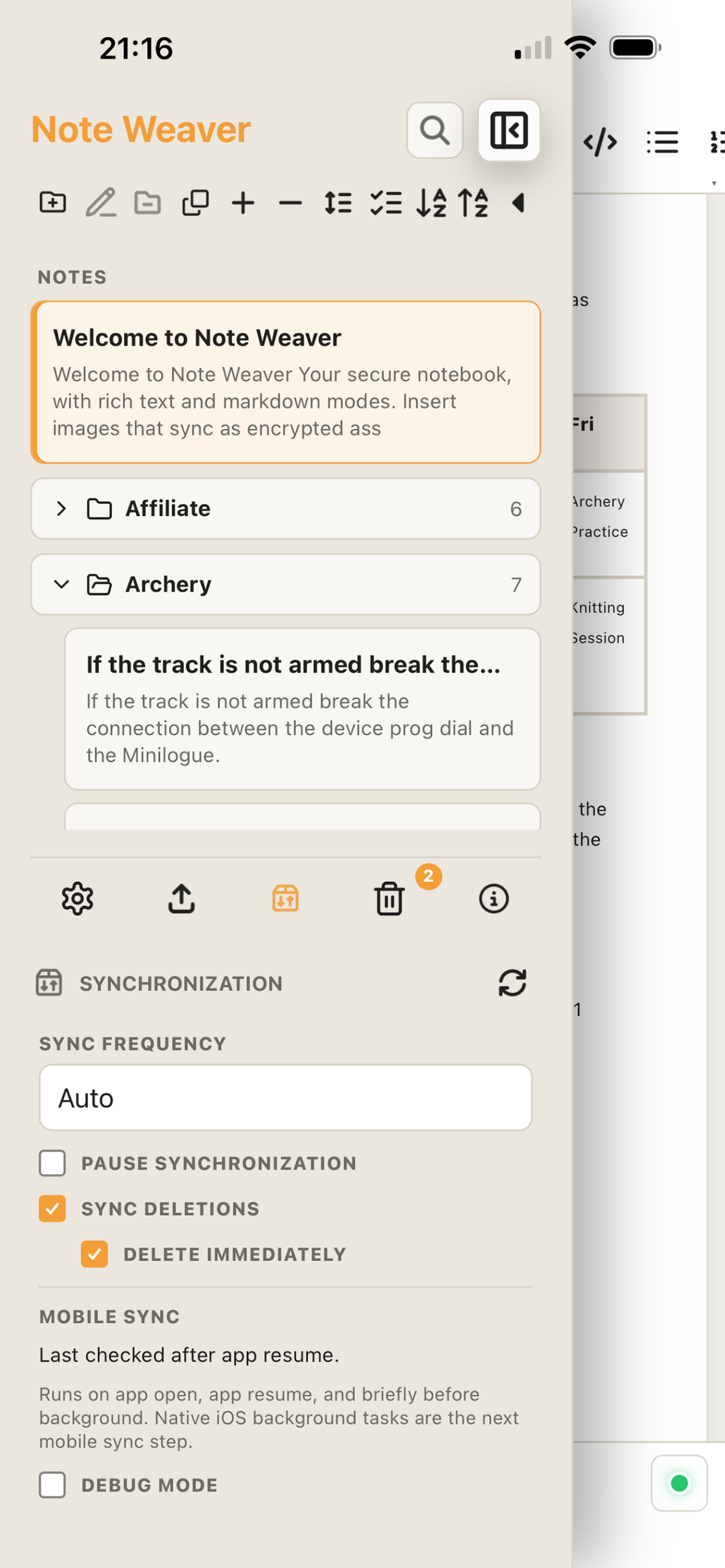
Note Weaver sync is built around a live secure relay, not cloud storage. When your licensed devices synchronize, each device encrypts note and image payloads before they leave the app, using standard cryptography: ECDH P-256 for device-to-device key agreement, HKDF-SHA256 for key derivation, and AES-256-GCM for authenticated encryption, with HTTPS/WSS TLS protecting the transport connection as well. Fiction Loom’s relay server authenticates licensed devices, helps them find each other when they are online, and forwards encrypted envelopes between them. It does not decrypt those envelopes, and it does not write your note bodies, image bytes, encrypted note blobs, encrypted image blobs, or queued content payloads to server hard drives. Content-bearing sync data exists on the relay only briefly in process memory, long enough to pass it to another online device, then it is discarded.
This means Note Weaver gives you the convenience of multi-device synchronization without turning Fiction Loom into the keeper of your private notebook. The server may retain limited operational metadata needed to make sync work, such as licensed account identifiers, registered device IDs, public device keys, protocol capability information, and last-seen style status. But your actual writing, embedded images, and document content remain encrypted end-to-end between your own devices. If a device is not online, Note Weaver does not upload your notes to a server-side content queue for later delivery.
Questions?
If you have any questions about Note Weaver, feel free to drop us a line with the Contact button below.
If you are using Note Weaver and have a question, suggestion, or problem, please contact support.